
![Logitech MX Master 4, First Haptic Mouse [Review]](https://img.hipsterpixel.co/logitech-mx-master-4-mouse-review-144.jpg "Logitech MX Master 4, First Haptic Mouse [Review]")

![Logitech MX Vertical, Ergonomics Meets Excellence [Review]](https://img.hipsterpixel.co/logitech-mx-vertical-mouse-ergonomic-review-01.jpg "Logitech MX Vertical, Ergonomics Meets Excellence [Review]")
Logitech MX Vertical, Ergonomics Meets Excellence [Review]
As our work becomes increasingly computer-centric, the importance of ergonomic peripherals cannot be overstated. Logitech has taken this challenge head-on with the MX Vertical, a mouse that promises to deliver the premium features we expect from the MX series while prioritizing user comfort and health. Let’s explore how this unique approach to mouse design holds up in daily use.
Design
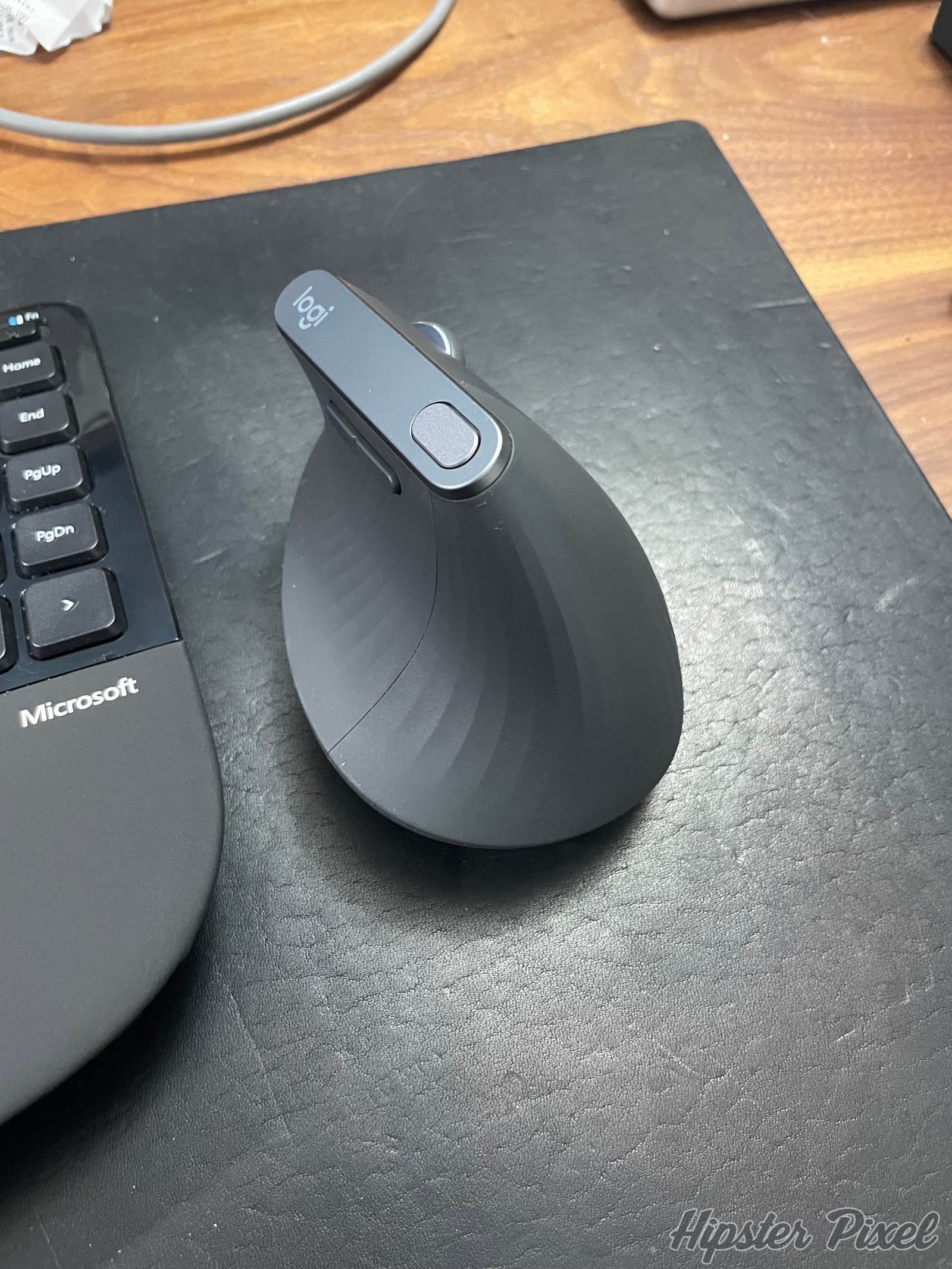
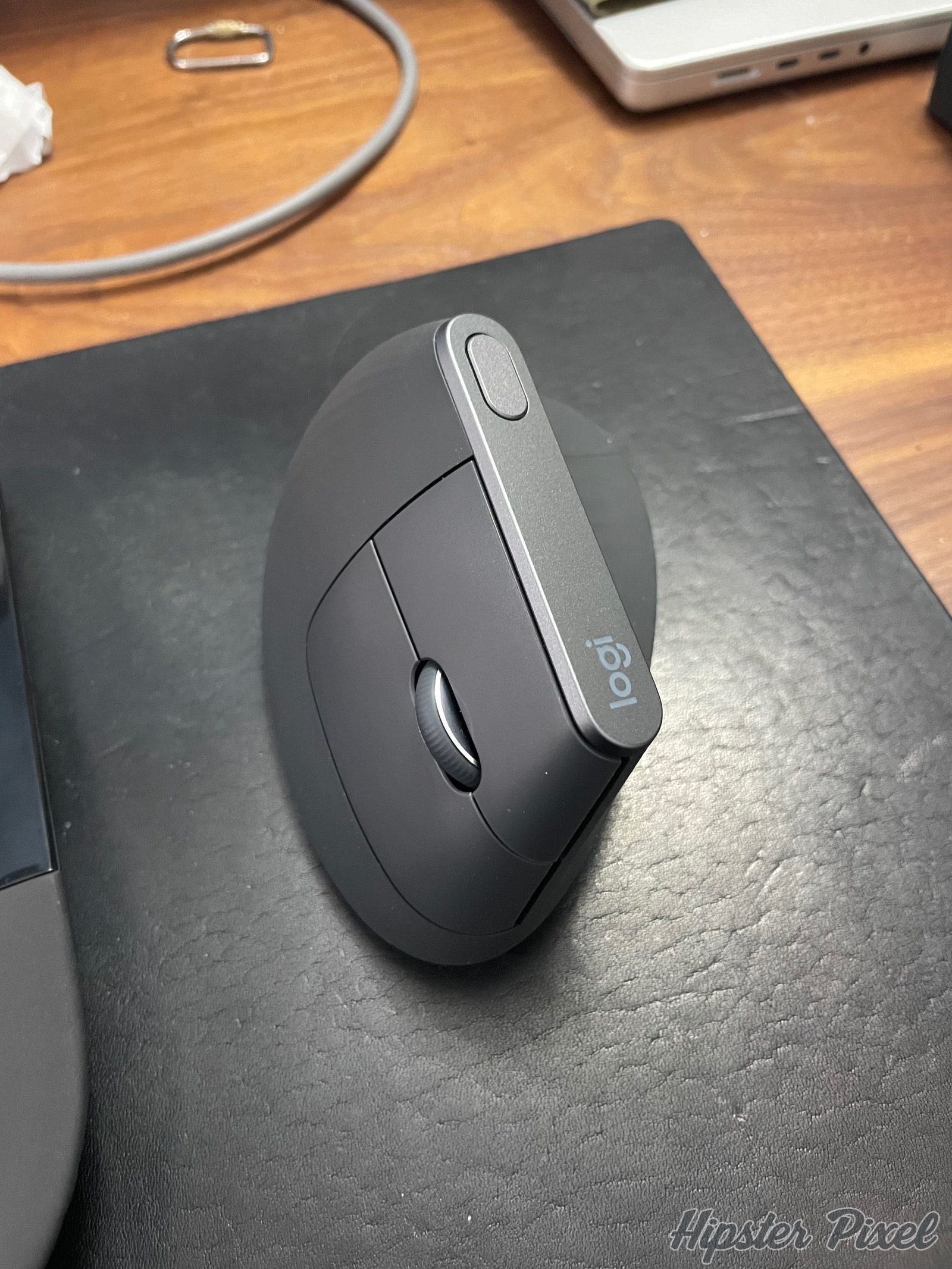
The MX Vertical’s most striking feature is its 57-degree vertical orientation, designed to position your hand in a natural “handshake” position. This isn’t just an aesthetic choice - research shows this position can reduce muscular strain by up to 10% compared to traditional mouse designs. The textured grip surface and thumb rest are carefully contoured to support your hand while maintaining precise control.
The mouse features premium materials throughout, with a soft-touch rubber coating that provides excellent grip without feeling sticky. The main buttons are perfectly positioned for vertical clicking, while the scroll wheel maintains the precision we’ve come to expect from Logitech’s MX line. The thumb buttons are thoughtfully placed, though they might take some getting used to in this orientation.
The base of the mouse is weighted for stability, ensuring that the vertical design doesn’t compromise control. A USB-C charging port is conveniently located at the front, allowing you to use the mouse while charging if needed.
Features
- 57-degree vertical orientation for natural hand positioning
- 4000 DPI high-precision sensor
- Advanced optical tracking on any surface
- USB-C quick charging
- Up to 4 months battery life
- Bluetooth and USB receiver connectivity
- Cross-computer control with Flow
- Customizable buttons through Logi Options+
- Compatible with Windows, macOS, and Linux
Performance
The transition to a vertical mouse requires an adjustment period, but the MX Vertical makes this as painless as possible. The 4000 DPI sensor offers excellent precision, and Logitech’s tracking technology works flawlessly on virtually any surface. The default sensitivity is well-chosen for the vertical orientation, though it’s easily adjustable through Logi Options+.
Once acclimated, the ergonomic benefits become apparent. Extended work sessions that might have caused wrist fatigue with traditional mice become noticeably more comfortable. The thumb buttons, while requiring some adjustment, become natural to use after a few days.
Software Integration
The Logi Options+ software allows extensive customization of the MX Vertical’s buttons and tracking behavior. The Flow feature, which enables seamless cross-computer control, works just as well as with other MX series devices. You can create application-specific profiles, adjust pointer speed, and fine-tune scrolling behavior to match your workflow.
Battery Life
Battery performance is exceptional, with up to four months of use from a full charge. The quick-charging feature provides three hours of use from just one minute of charging, making it nearly impossible to be caught with a dead mouse. The battery level indicator in Logi Options+ provides plenty of warning before a charge is needed.
Ergonomic Impact
The real test of any ergonomic device is its long-term impact on comfort and health. After extended use, the MX Vertical proves its worth. Users who experience wrist strain or early signs of RSI often report significant improvement after switching to this vertical design. The learning curve is a small price to pay for the potential health benefits.
The mouse’s design encourages proper arm positioning, with movement coming from the elbow rather than the wrist. This naturally leads to better posture and reduced strain, though it may take conscious effort to maintain these improved habits initially.
I have used this mouse prior to my carpal tunnel surgery in order to diminish the pain I felt in my hands. I paired it with the Logitech Wave Keys in order to augment the ergonomy of my workstation. I can say that the mouse really helped me loose all pain. The numbness came and left during the work day but at least all the pain went away.
Real-World Use
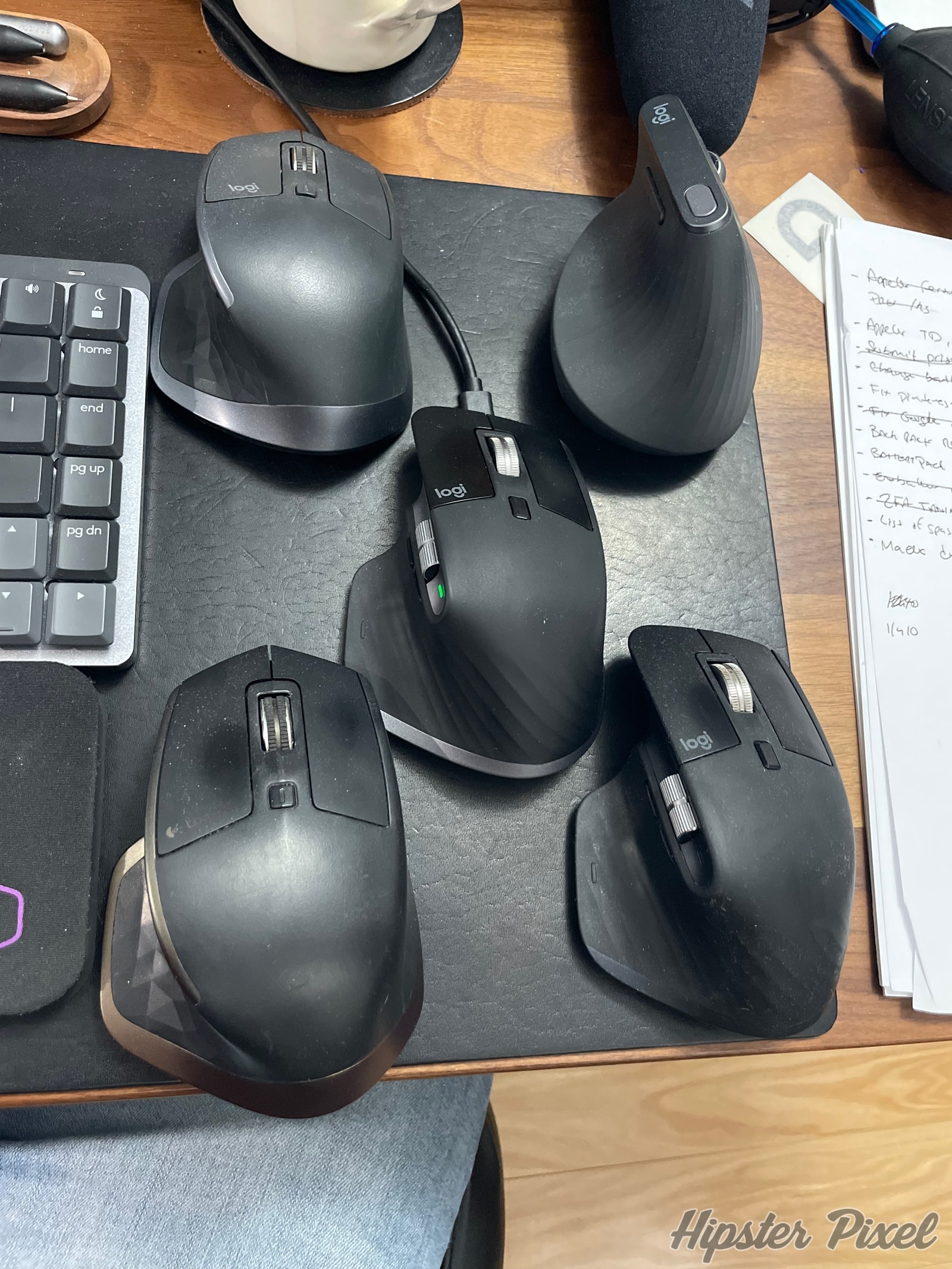
In daily use, the MX Vertical performs admirably across a variety of tasks. For general productivity work, the vertical orientation becomes second nature surprisingly quickly. Precision tasks like photo editing or detailed CAD work remain entirely possible, though they may require slightly more practice to achieve the same level of precision as with a traditional mouse.
The customizable buttons and Flow functionality make it a powerful tool for productivity, allowing you to maintain efficient workflows across multiple computers. The ability to adjust DPI on the fly (through a dedicated button) is particularly useful when switching between tasks that require different levels of precision.
Conclusion
The Logitech MX Vertical successfully bridges the gap between ergonomic design and premium functionality. While it may not be for everyone - particularly those with smaller hands or users who require ultra-precise movements for gaming - it offers an excellent solution for users seeking to prevent or address RSI concerns without sacrificing performance.
For professionals who spend long hours at their computer and are concerned about long-term wrist health, the MX Vertical is an investment worth considering. The combination of ergonomic benefits, premium build quality, and advanced features makes it a standout product in the vertical mouse category. If you are sensible, or think you need a solution to reduce hand pain, the MX Vertical really helped me.
Available for $99 US ($129 CA), the MX Vertical isn’t the cheapest mouse option, but its potential health benefits and premium features make it a worthwhile investment for those prioritizing ergonomics in their workspace.
Review Summary
MX VerticalLogitech
An advanced ergonomic mouse that combines natural hand positioning with premium tracking and customization features.
The Good Stuff
- Natural handshake position reduces wrist strain
- Premium build quality and materials
- Advanced tracking with 4000 DPI sensor
- Excellent battery life
- Cross-computer control with Flow
- Learning curve for vertical orientation
- May not suit all hand sizes
- Limited thumb button placement
The Ratings
Overall: 90%
Disclaimers:
This product or service was purchased for the purpose of this review.
For more information on how we score products, please read how we review products.
For more information on how we score products, please read how we review products.
![Studio Neat Walnut Pen Tray [Review]](https://img.hipsterpixel.co/walnut-dual-pen-tray-by-studio-neat-review-30.jpg "Studio Neat Walnut Pen Tray [Review]")
