Nomad Modern Leather Case for Moment Lenses [Review]
What do you get when you mix a Nomad Modern iPhone Case and a photographer's day dream? A Modern Leather Case for Moment with a nice sense adapter, all-in-one!

The world of 3D printing is one I always wanted to jump into, but after hearing horror stories from friends spending days fixing and cleaning their printers, I decided to wait until machines became more autonomous. Approaching appliance-level reliability is kind of the goal.
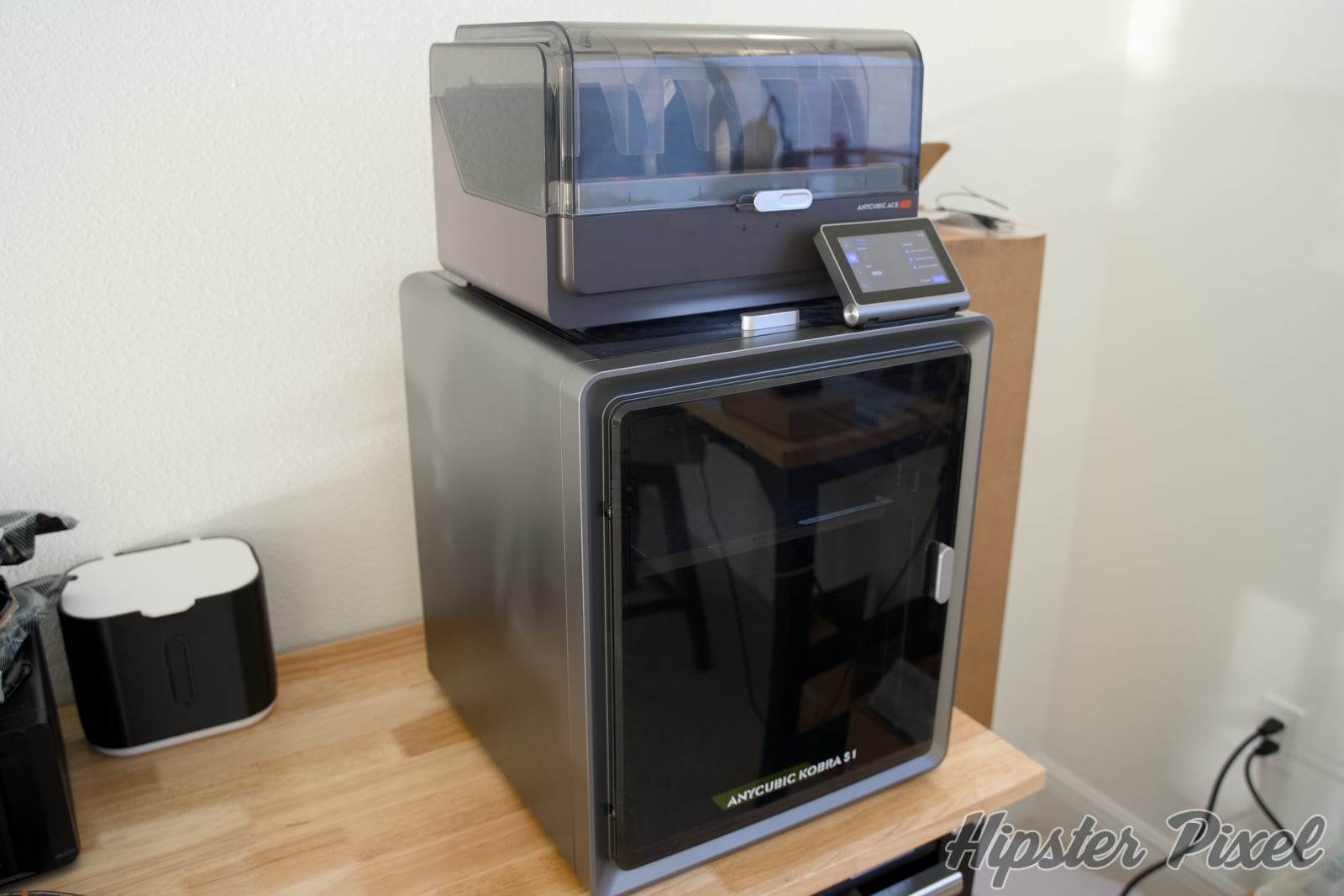
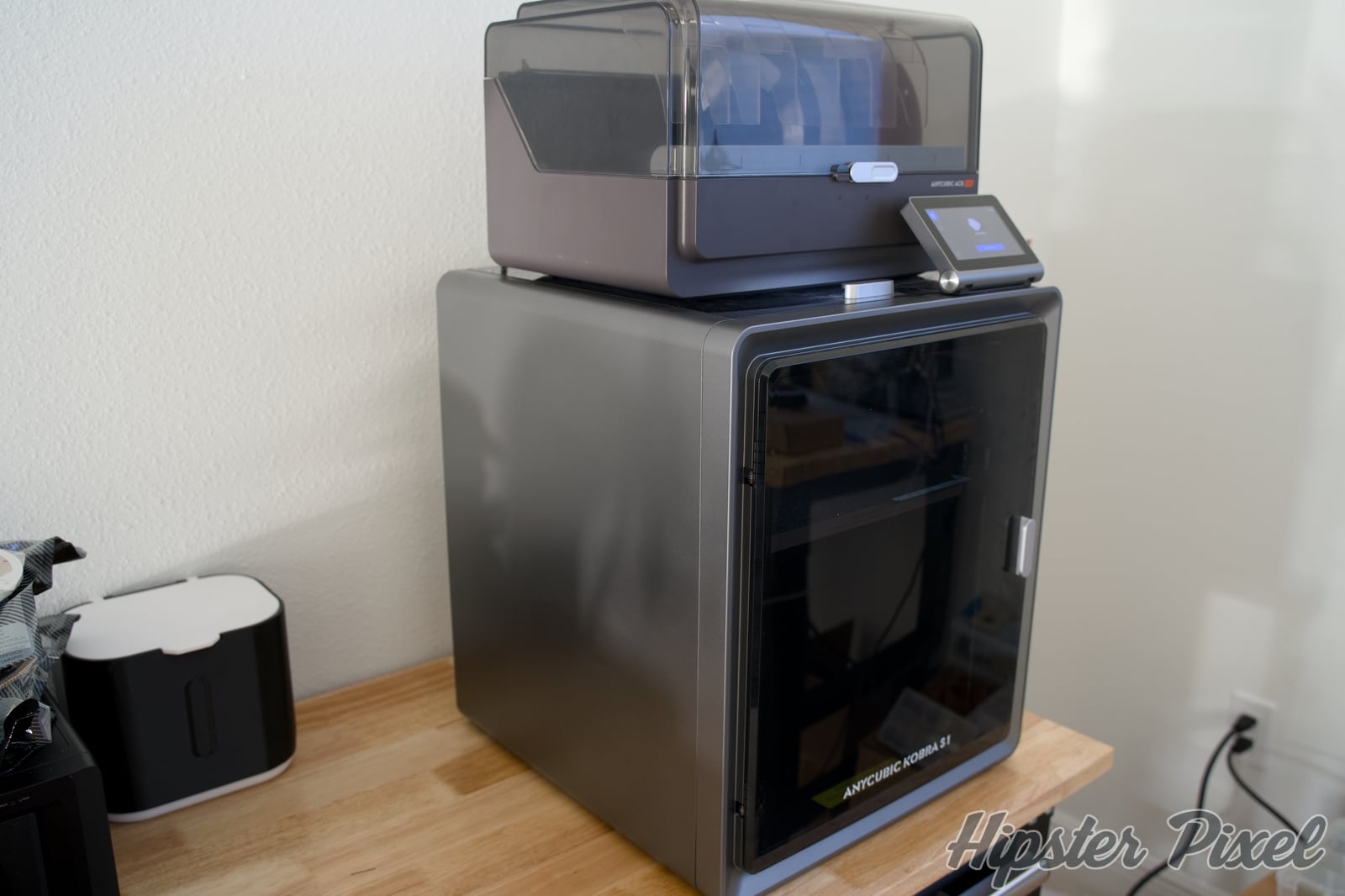
In my opinion, Anycubic has not only achieved that, it has offered so much more in a great package with the Kobra S1 Combo! It comes with a superior printer built on a CoreXY construction, plus a filament feeder that dries the filament both during downtime and while printing, making more complex materials something you can work with just like good ol’ PLA!
For a newbie like me, the Kobra S1 Combo offers more than I was hoping for in a first machine!
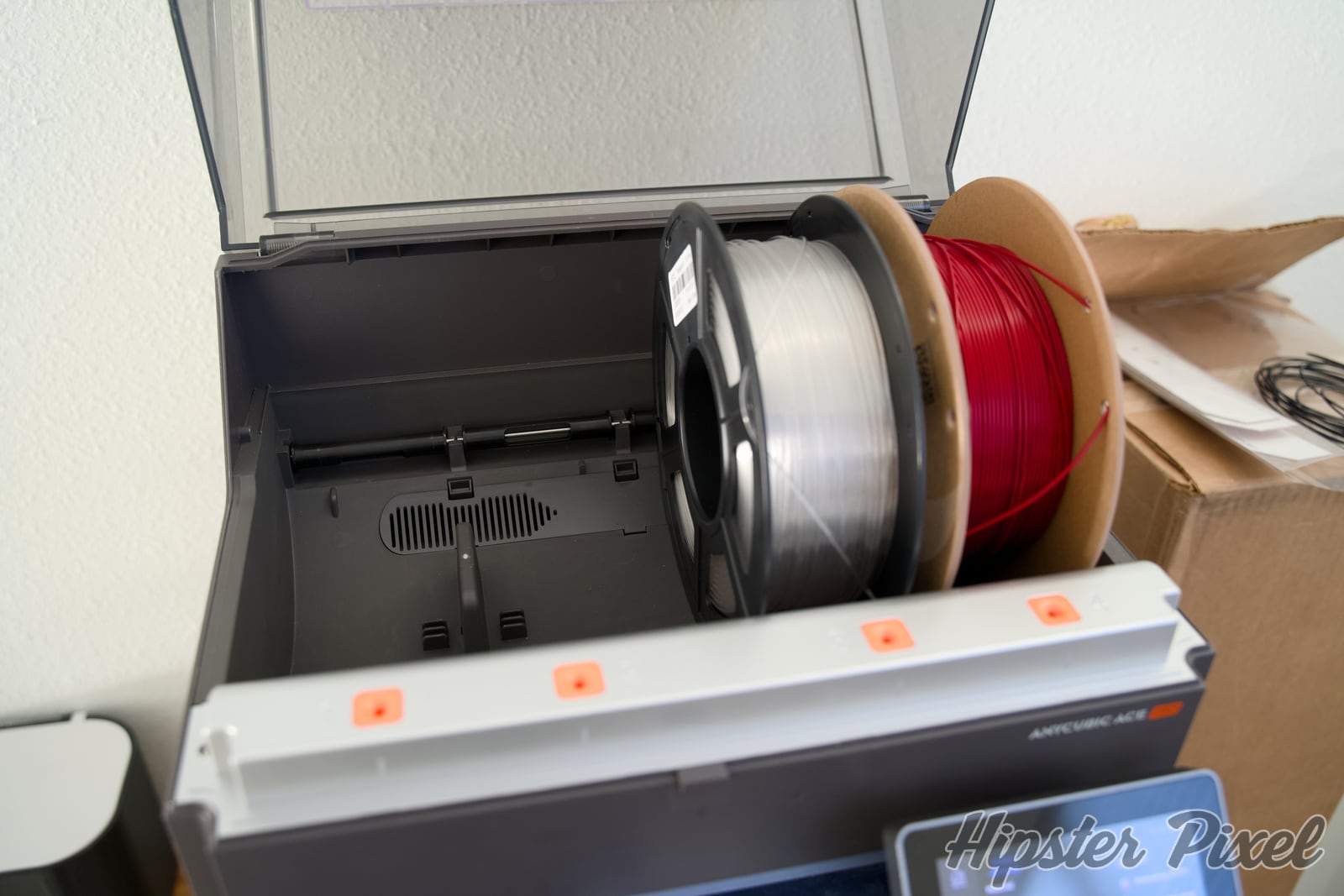
The Kobra S1 is the machine, and the Combo part is the ACE Pro that comes in the box. Let’s cover the ACE Pro first. Compared to many solutions out there, the ACE Pro not only feeds up to 4 colors (one unit) or 8 colors (two units), it can also dry your filament to significantly reduce its humidity and give you less stringy prints.
It does generate some noise when drying, comparable to a laser printer starting up. The ACE Pro keeps that noise constant while drying, whereas the printer’s noise stops quickly.
After trying multiple types of filament, I did have an issue with the ACE Pro where the filament was fed outside of its intended path and ended up jammed. I had to remove part of the front of the printer to fish it out. It happened with PLA, PETG and TPU, so it’s not a material issue. I think the tolerances of the ACE Pro’s filament path should not allow this to happen.
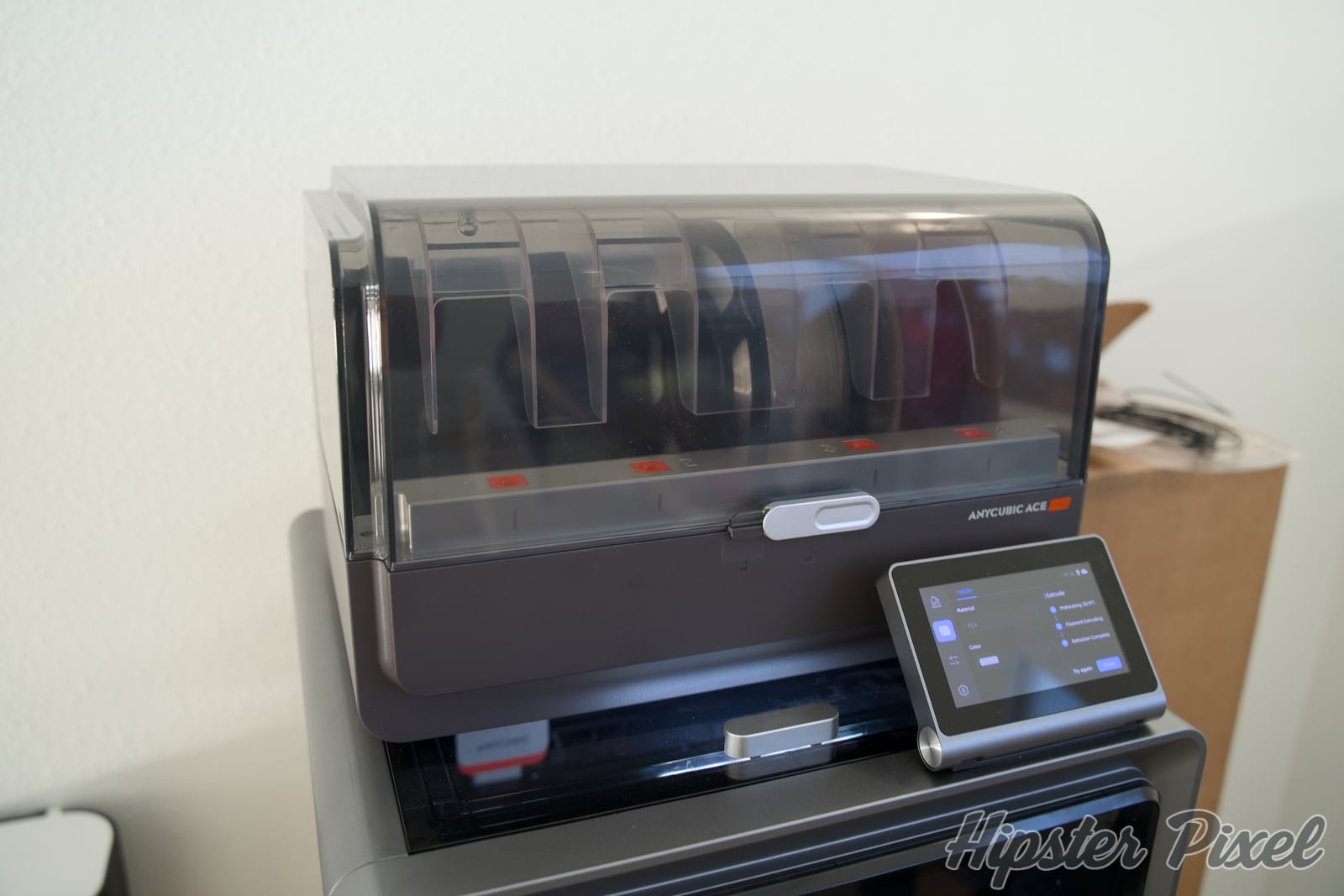
Other than that, some filament rolls made of cardboard need a plastic cover so they roll more easily. That’s the extent of the issues I had with the ACE Pro.
Overall, it’s very useful: you can put in a new roll, launch a 4-hour drying session, and with most good-quality filament be ready to print. It also keeps the humidity low for many days after the cycle. I find the Dry While Printing option useful to make sure what gets fed is very dry. Sometimes the inside of the roll is more humid than the outside, so for large prints it helps.
The Kobra S1 is an excellent machine! I’ve had it running for hundreds of hours and, apart from dialing in different types of filament and their settings, I had zero issues with it!
The 250x250x250 mm print area is great and lets you print large pieces easily. I printed PLA, PETG, ASA and TPU very successfully once I got the settings right. Anycubic filament comes with a chip that tells the machine what the filament is and configures it for you. Otherwise, you may need to punch in a few numbers.
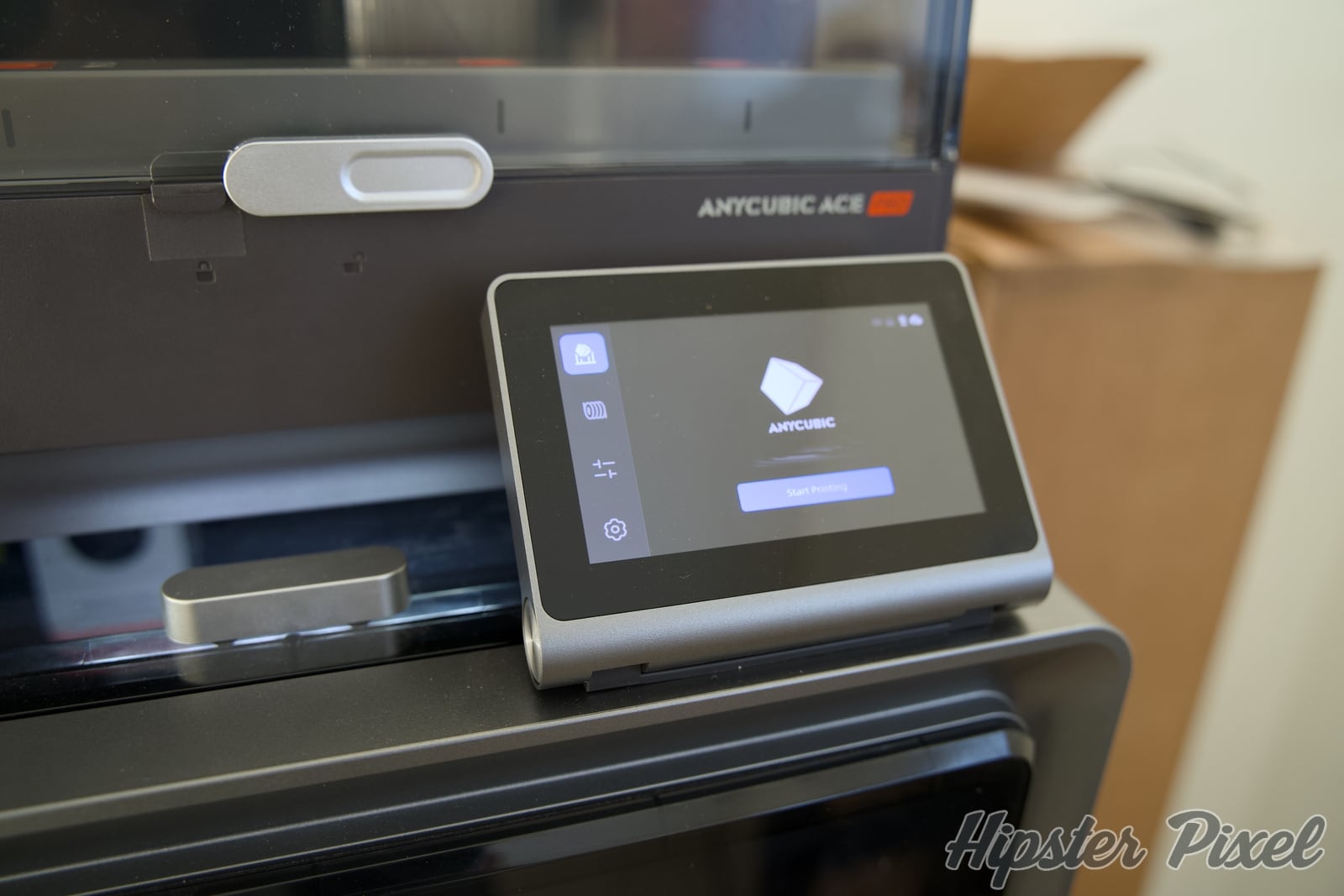
The key to any production line is reproducibility, over and over. This is where the Kobra S1 shines. It offers vibration compensation and flow calibration to make sure everything works perfectly time and time again. I don’t always run the vibration compensation; I mostly use it when I make changes to the desk the machine sits on, or when I add or remove a lot of filament rolls.
The enclosed design makes it easy to maintain a stable internal temperature, which is very useful for ASA and ABS. It also makes for a very sturdy machine that can hold the ACE Pro on top to save desk space.
Setup is quite simple. A few pages of instructions walk you through removing the temporary floor and taking the ACE Pro out from inside the machine. After a few screws, you’re ready to load filament and print!
The software is a fork of OrcaSlicer and it’s quite capable. I personally prefer AnycubicNext, which receives bug fixes faster. 3D printing is a new universe for me; I had never used a 3D printer before. Still, the software is fairly easy to use, and there are tons of tutorials online to help you eliminate any print issues.
The camera is not great quality, and I’ve seen many people add their own camera inside to make nice videos. I sometimes open the camera feed from my Mac using the slicer software to take a peek. But usually, after the first few layers, you know whether a print is going to fail or not.
I treat it as a novelty. If you want to capture footage, invest in much better lighting (you can remove the top cover and add lights) and perhaps a small Wi-Fi camera. There are holders and many 3D-printable models for that.
It does detect spaghetti when a print fails, but it’s not super reliable: I’ve had multiple prints fail completely without the AI system noticing.
The wide material support is quite nice and will be very helpful once you start experimenting. While pulling my dishwasher out to clean under the counter, I broke both of its feet.
The dishwasher is old and its replacement parts are no longer manufactured, so replacements run $60 each. I ended up finding the model on Printables.com and printed them with a $19 roll of ASA, and I still have 4/5 of the roll left for future projects.
My first two prints failed, but after adjusting the temperatures, I got both printed perfectly.
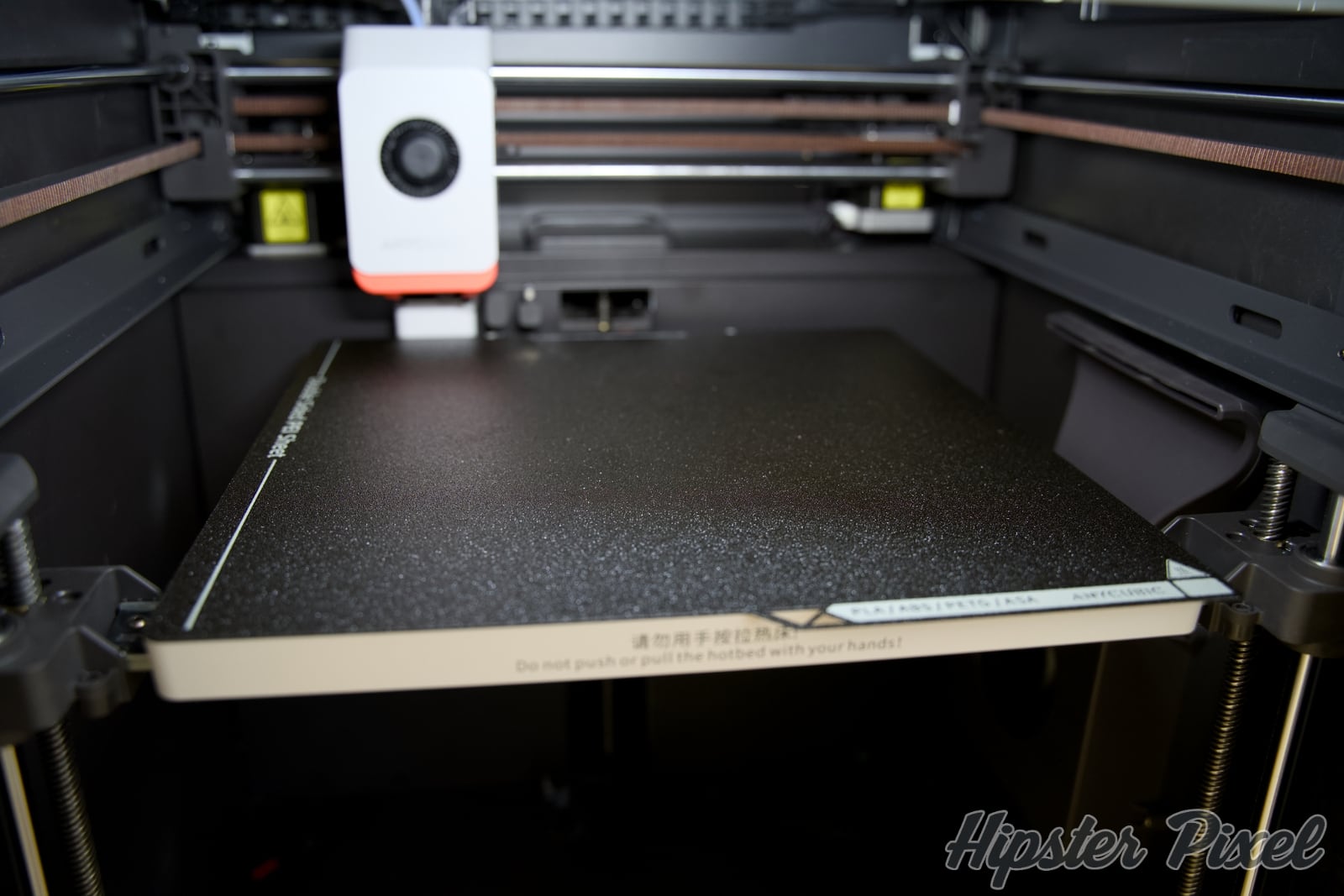
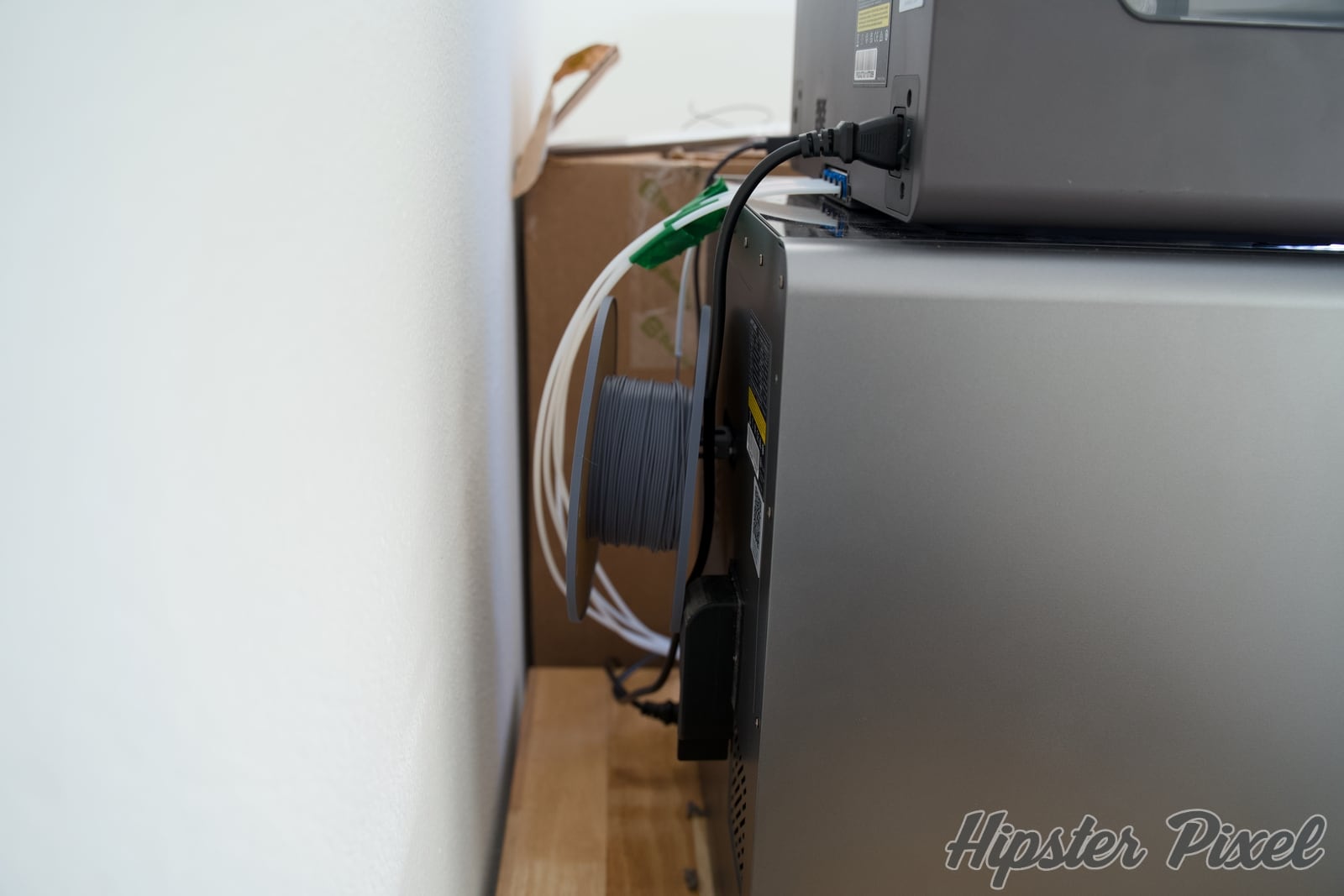
I recently bought TPU, and you can’t use the ACE Pro with it: it never makes it far enough through the tube to reach the print head. You need to disconnect the multi-material unit and mount the TPU behind the machine as a single roll. If you want to combine TPU and PLA, like for a stamp, you need to insert a pause after the PLA to switch to the TPU.
Note that 3D printing is not plug-and-print. There are a lot of failed prints to go through before you nail down settings for both the printer and the filament. Some PLAs are easier to work with than others, and the machine is highly capable of doing whatever you want. You just need to watch another YouTube video to learn a new technique!
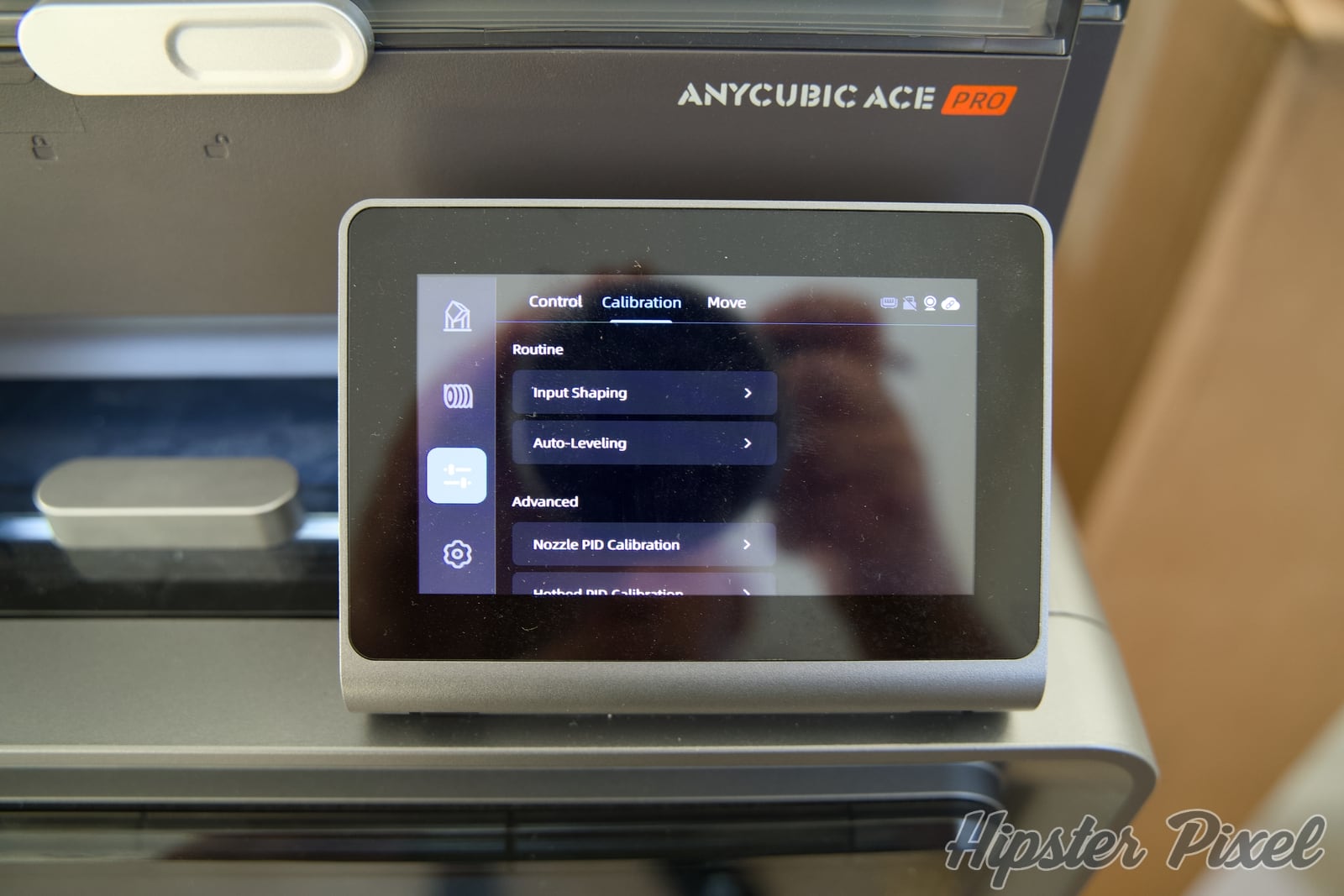
The vibration calibration and flow control really make this one of the simplest machines to use. I did not have any major issues, and for every problem I ran into, I found a quick solution either in Anycubic’s FAQ pages or online.
Unless you want to go down the road of printing parts for plastic cereal boxes filled with desiccant beads, the ACE Pro is, in my opinion, a must-have.
Not only will you be able to dry filament, you’ll also be able to print multiple colors or keep multiple materials ready to print. Just put a hygrometer inside the ACE Pro to monitor the humidity level.
The Anycubic Kobra S1 3D printer with the ACE Pro multi-filament add-on is an incredible machine to use. I have friends with Prusa machines, and the Kobra S1 is much simpler to use. I’ve also had fewer issues with it than they’ve had with other brands.
It is not as powerful as the Bambu machines, but for the price, you can’t beat the value! It is fast, reliable and, most important of all, prints are reproducible thanks to the calibration and flow control features, which make your prints perfect once you get the temperature right!
I strongly recommend you consider this machine, or one of the newer models, once you’re ready to jump into the world of 3D printing!
A CoreXY, all-in-one 3D printer that includes a multi-filament module with a dryer; one of the simplest machine for newbies!
What do you get when you mix a Nomad Modern iPhone Case and a photographer's day dream? A Modern Leather Case for Moment with a nice sense adapter, all-in-one!

Arlo Essential XL 2nd Gen wireless security camera delivers 16-month battery life, color night vision, and 2K resolution in a versatile, weather-resistant package.

Nomad's Universal Cable combines 240W USB-C PD charging with built-in USB-A and Micro USB adapters in a compact, Kevlar-reinforced package for ultimate versatility.
If you have feedback, a product review request to make or simply a news tip, you can reach us here.