
![Logitech MX Master 4, First Haptic Mouse [Review]](https://img.hipsterpixel.co/logitech-mx-master-4-mouse-review-144.jpg "Logitech MX Master 4, First Haptic Mouse [Review]")

Logitech MX Master 4, First Haptic Mouse [Review]
In what seemed like an eternity in the world of tech, the MX Master finally got a new generation of their leading mouse model. The MX Master 3 received multiple upgrades, and Mac versions were released, so we did get new mice, but nothing like the kind of evolution the new MX Master 4 brings to the table.
The new MX Master 4 has new material on the outside shell, a new haptic engine, better encrypted connectivity, and shortcuts to make your life easier! All that is powered by the Logi Options+ and Logi Tune software for advanced customization.
Design
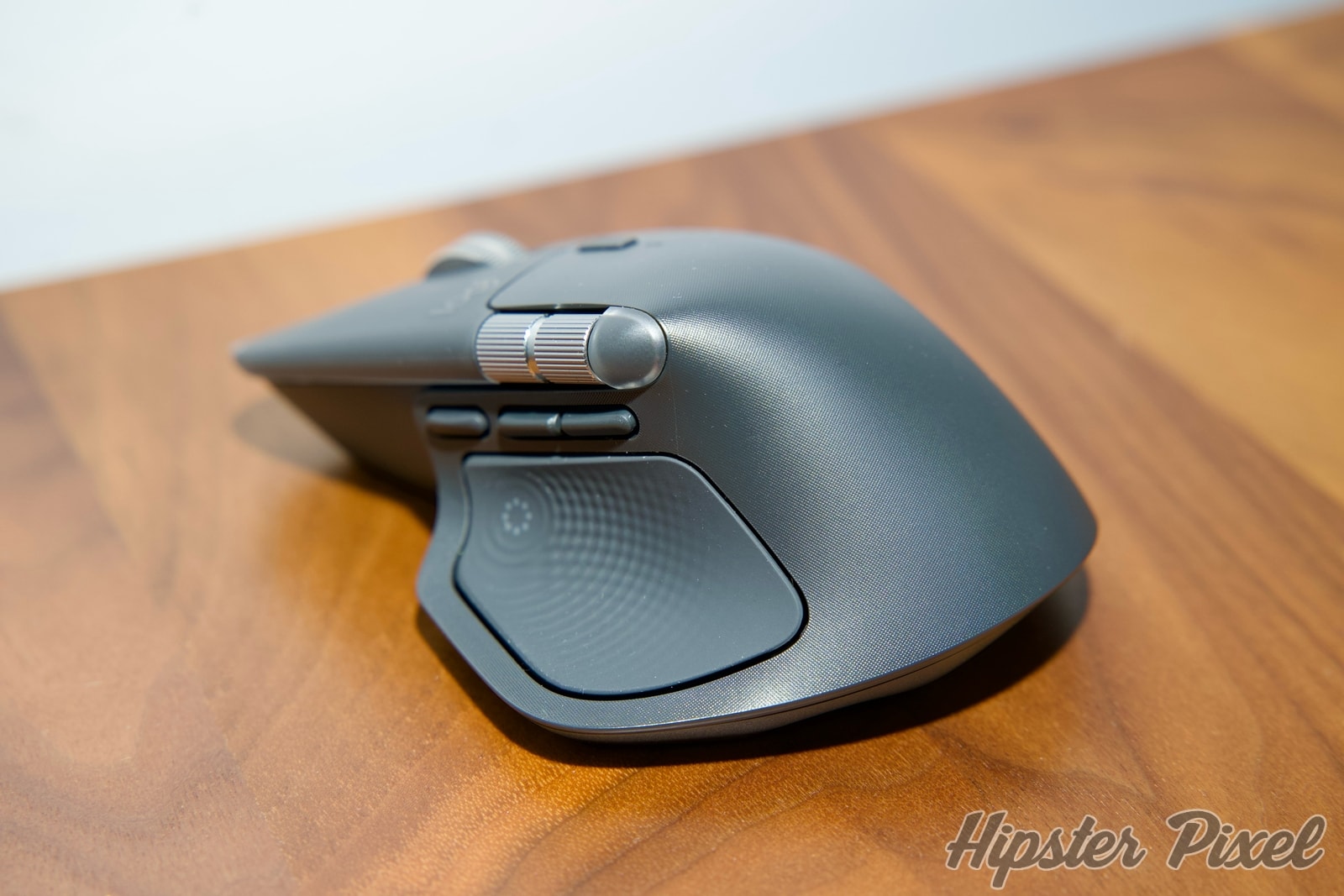
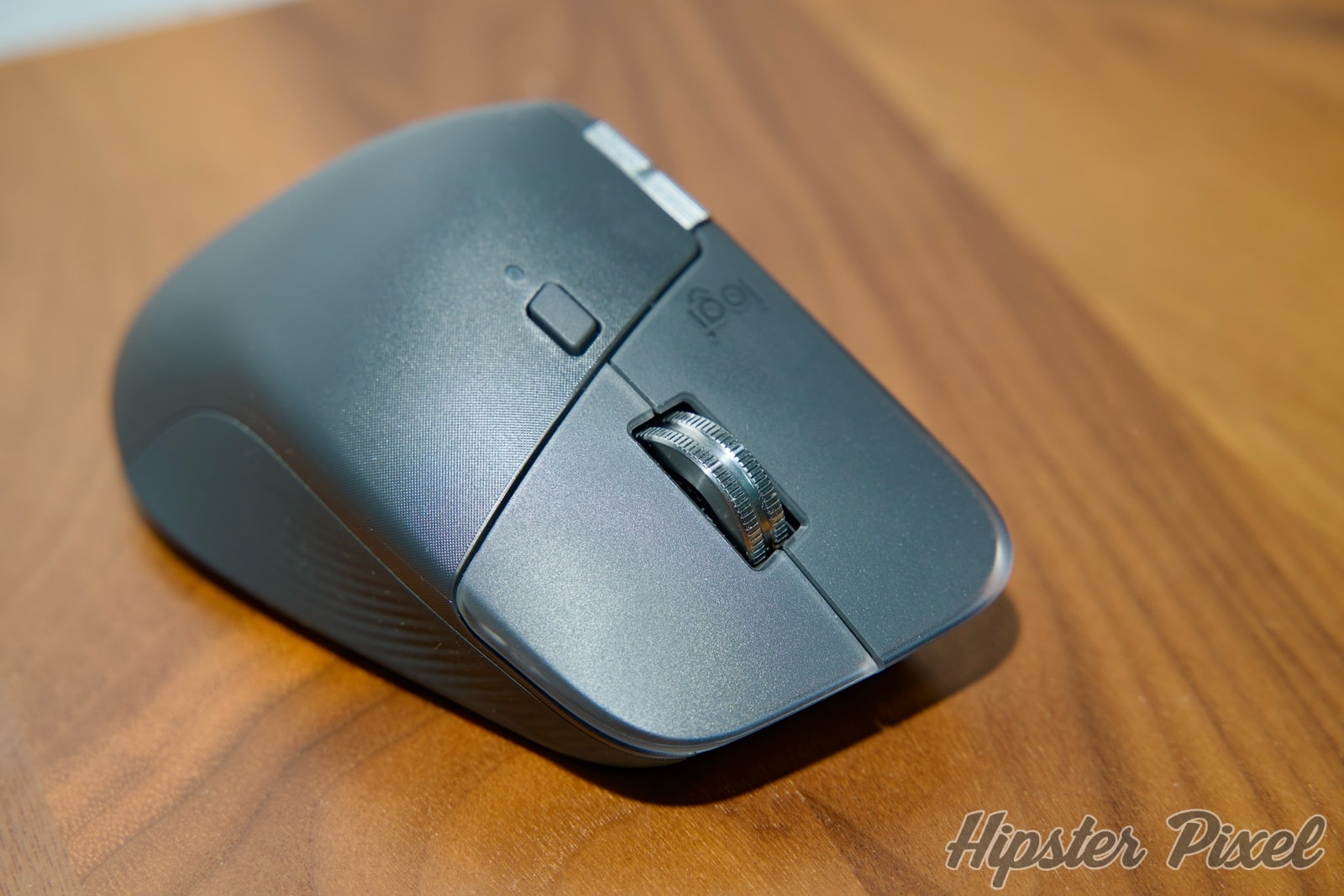
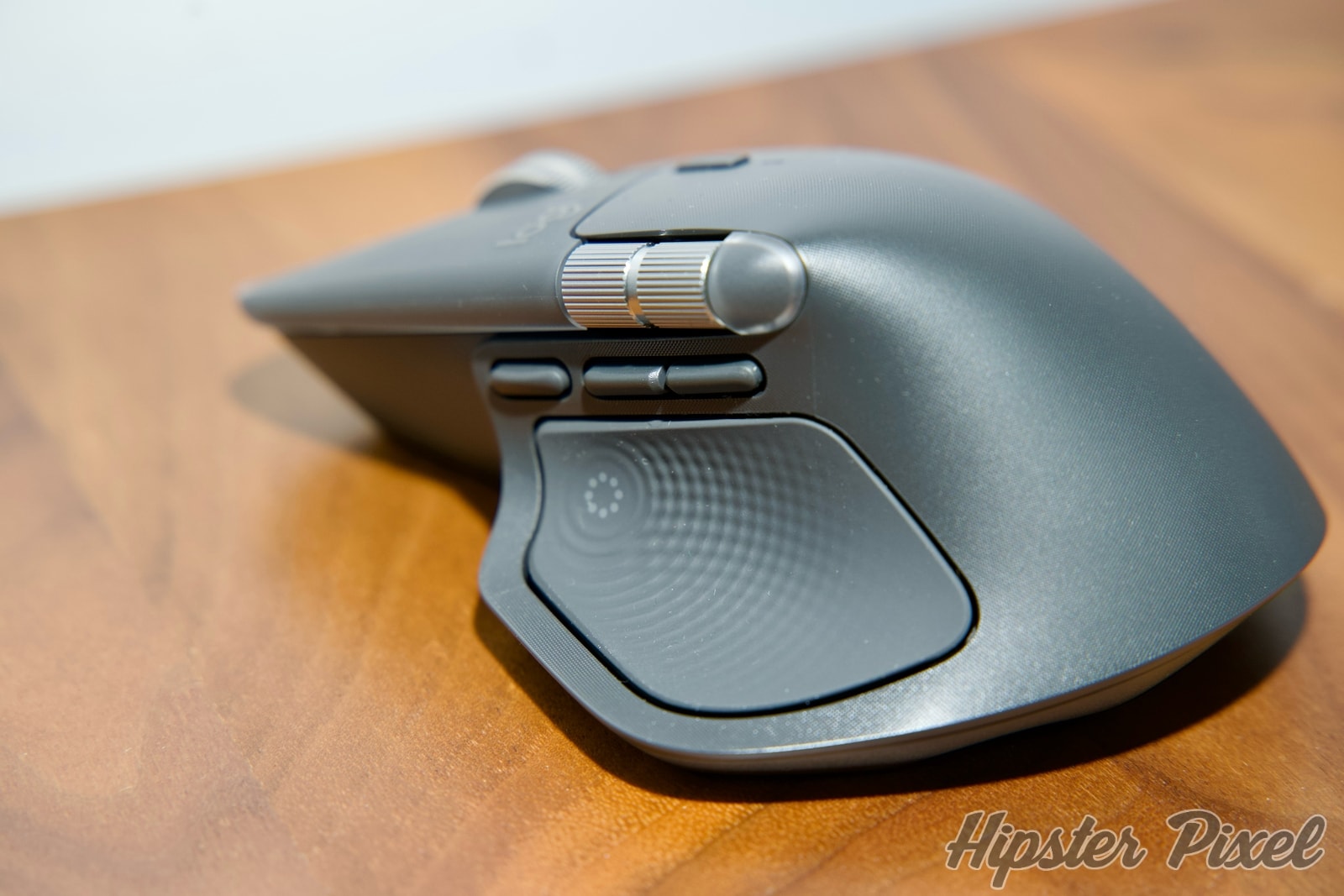
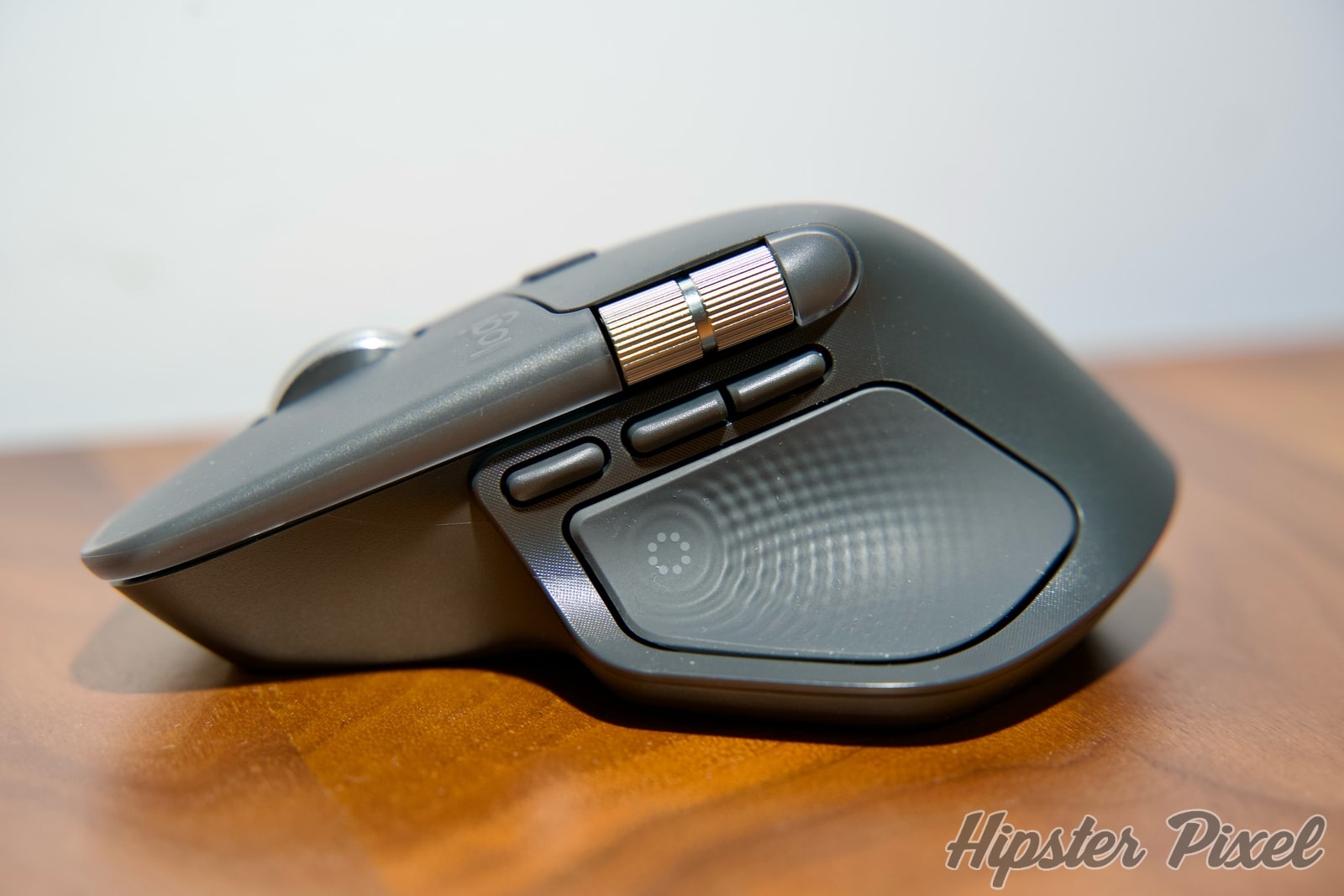
The overall shape of the MX Master 4 is now slightly shorter in height, but its relative footprint has not changed much. The one thing that you will notice is the switch from the old rubberized texture back to a hard shell plastic with a microprint etched to give it texture.
Long-time users of the MX Master series will know that over time, finger oils eventually stain the rubber texture and make your mouse look dirty or old. The switch to the new textured plastic will help keep it clean, and the new texture will ensure the sheen is not as apparent as it is on a PBT keycap on a keyboard after years of friction.
The two main buttons now have a transparent edge that gives the mouse a distinctive look at first sight. You also have the same great button options that you know and love, like the back and forward buttons, the thumb button that now launches the Ring shortcuts, and the classic button to turn the clicky wheel into a free-motion wheel for extreme scrolling speeds!
Features
- New customizable haptic feedback engine
- 90% less click noise
- 70 days battery life
- 3 hours usage from 1 minute charging
- Natural shape
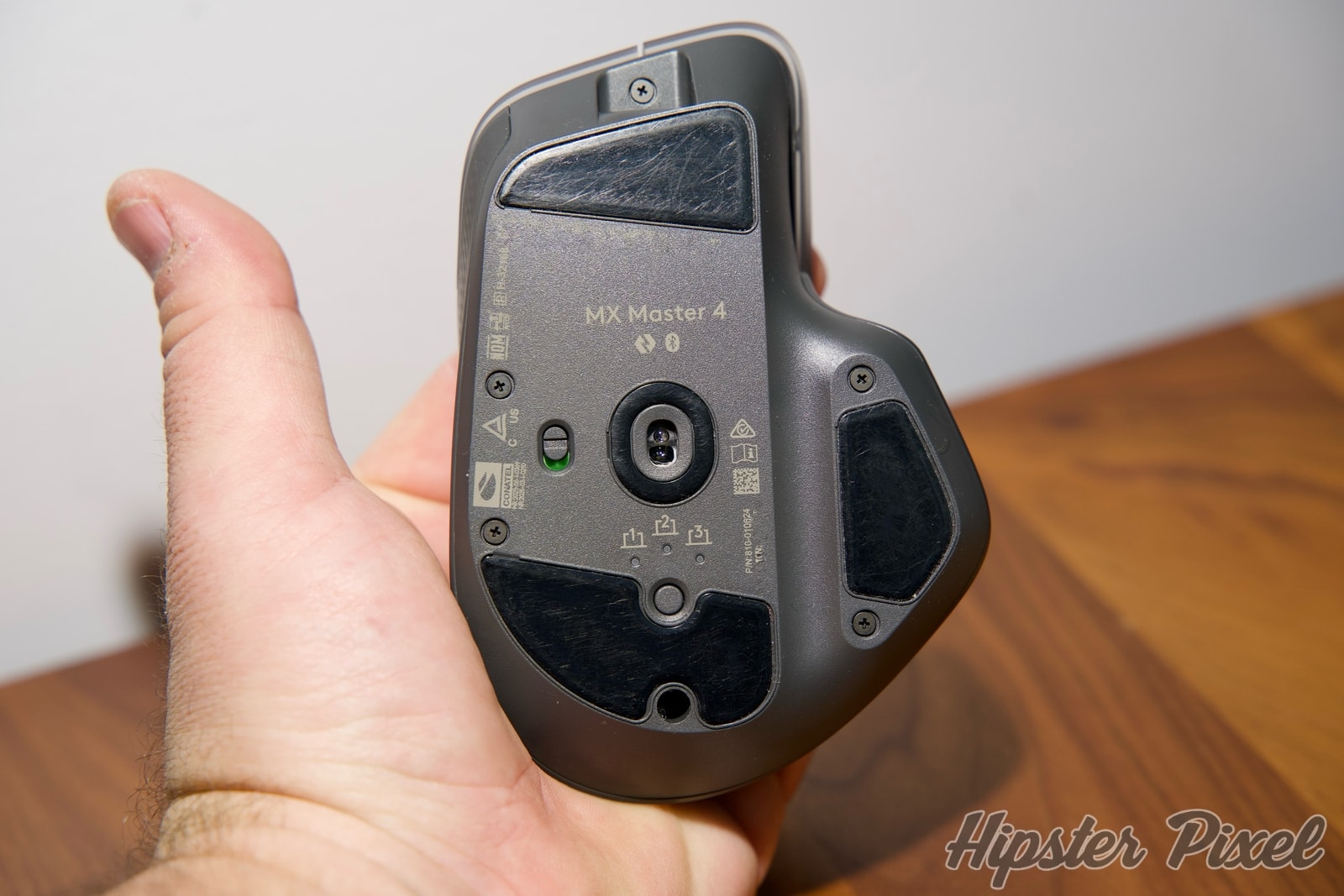
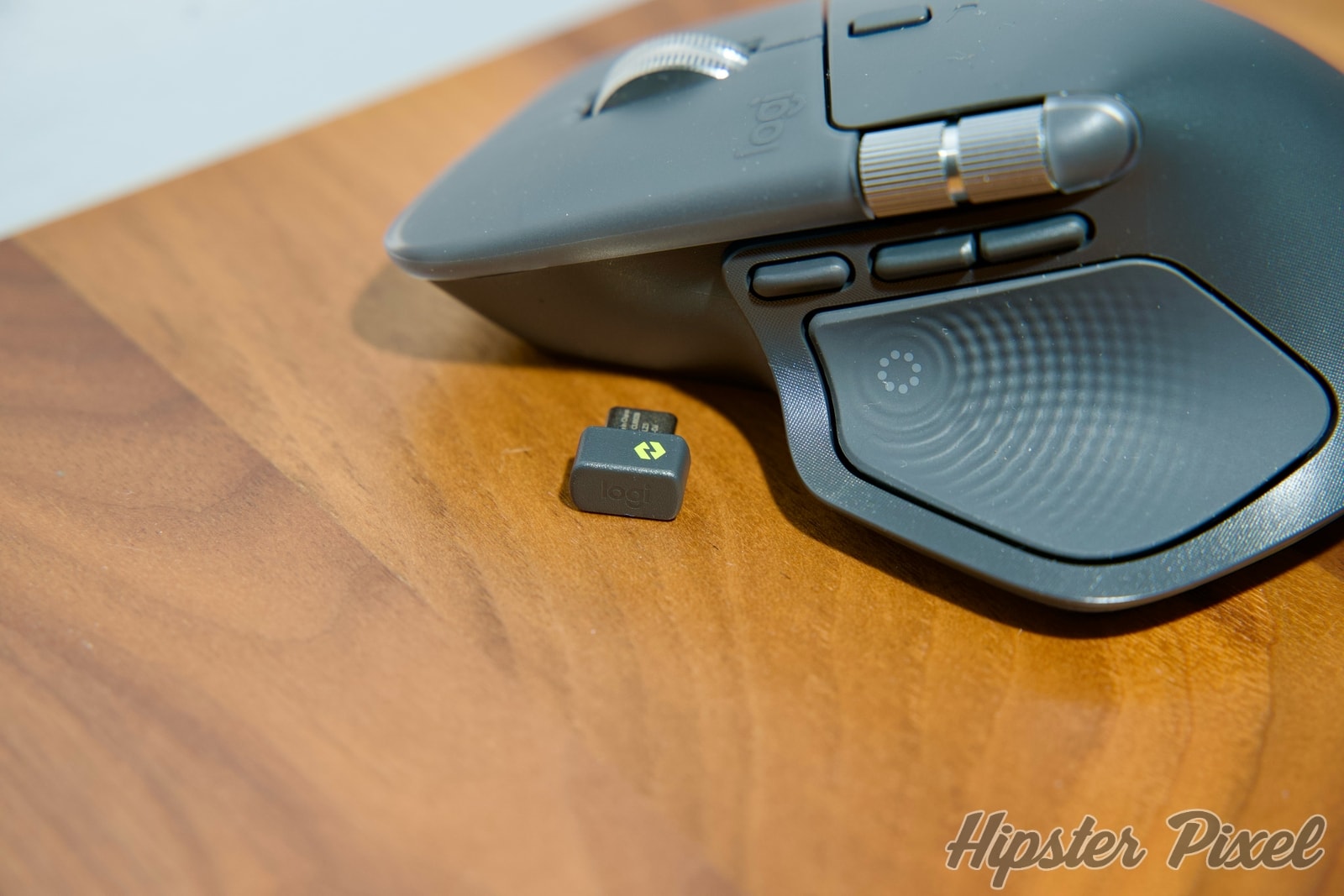
- Logi Bolt in USB-C (finally!)
Performance
The first thing I wanted to experience is the new ergonomics of the MX Master 4. Logitech reshaped the mouse, and since I’ve been an avid user since the very first generation, I care deeply about the shape of the mouse. Having had both my carpal tunnels opened up, ergonomics and comfort are very important to me.
I used to be able to rest my hand on the mouse, and this new generation has changed the height. I still need to get used to it after one week of use. I don’t feel discomfort or pain; however, I can’t rest my hand in the same position I used for the last 10 years. I will still need some time to adjust.
This mouse comes with the Logi Bolt, the encrypted Bluetooth dongle that Logitech has been offering in select wireless products, but this is the very first time this dongle comes with a USB-C connector! I’m very happy because I’ll be able to ditch the small dock I’ve been using for the USB-A dongle. I should be able to rely only on my Studio Display ports from now on! This is a welcome change for anyone with modern Macs or Windows machines.

The tracking is still excellent with its 8K resolution, and it can also work on glass as before. The biggest change now sits in the new haptic engine that allows you to receive a little jolt when certain actions are taken.
The location of the haptic engine is near your thumb, and you can customize the levels of buzzing in the Options+ software. The thumb button now opens the Ring Action menu, again fully customizable, where you can quickly access features you use often. The haptic engine will also be triggered when things happen after clicking them or if you use the far thumb button to move between desktops or windows.
Conclusion
After using the MX Master 4 exclusively for about a week, I can say with confidence that this is once again an amazing mouse. I still need to get used to the new shape, as 10 years of using the previous design has shaped my comfort preferences. The new texture is very promising, and the haptic engine is a fun way to receive feedback. Don’t worry—you can also disable it completely.
The battery will be impacted if you love strong haptic feedback, but the battery-saving mode stops all haptic feedback when you reach 10% battery life. You will definitely need to play around with the settings to find your perfect balance.
The addition of the USB-C Logi Bolt, the new texture, and action rings is what sets this apart from other mice on the market, even MX Master 3-generation mice! At the same price of $119, you have a much more refined experience, and I strongly recommend you look at this mouse for your desk!
Review Summary
MX Master 4Logitech
Fourth generation with a new design, a brand new haptic engine and more features, the MX Master 4 is firing on all cylinders!
The Good Stuff
- New Design and texture
- New haptic engine
- USB-C Logi Bolt dongle
- Shorter shape
The Ratings
Overall: 90%
Disclaimers:
This product or service was provided by the company or partner for the purpose of this review.
For more information on how we score products, please read how we review products.
For more information on how we score products, please read how we review products.

![Studio Neat Walnut Pen Tray [Review]](https://img.hipsterpixel.co/walnut-dual-pen-tray-by-studio-neat-review-30.jpg "Studio Neat Walnut Pen Tray [Review]")
